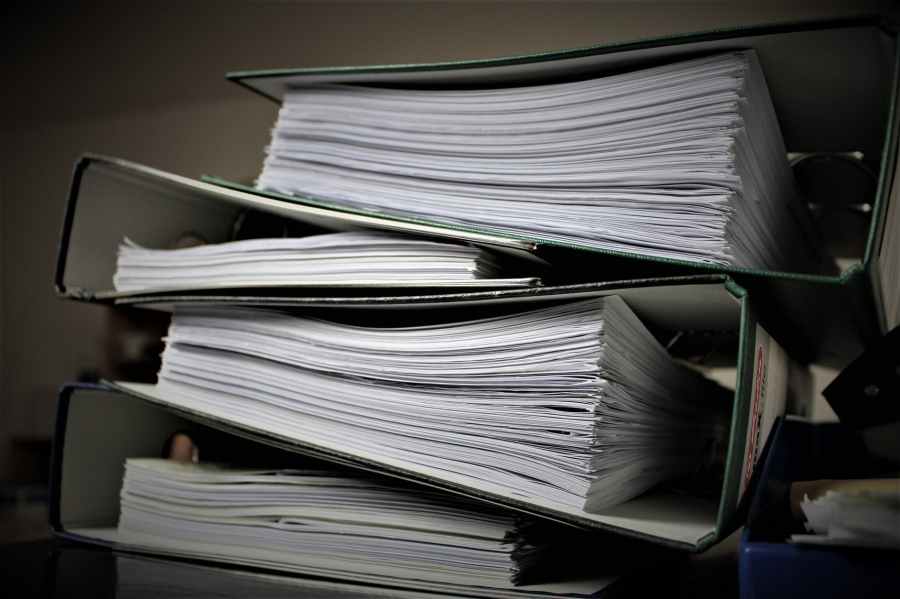
Recently I realized that since my plan when I retire is to travel more, I really should start getting rid of the clutter in my home. In the past year or so, I’ve easily gotten rid of approximately 2 filing cabinets full of paper/photos/books, etc as well as a ton of other non-paper stuff. The total volume is probably that of a full single closet. Going nearly paper-free can be relatively simple.
HOW?
In this post, I’ll tackle paper clutter.
How do you get rid of so much paper quickly?
In my case, the best option I found was a really easy to use scanner, that also happens to be pretty affordable. 

What paper items in your home can you digitize?
Tax and financial records
Have old tax records? Just feed the whole file into the scanner and save it to your hard drive (then shred or otherwise destroy the originals). There goes one file cabinet drawer from my life 🙂 Always, always use a backup system like SpiderOak or Dropbox to save this info in case something happens to your computer.
Manuals and other documentation
I scanned (or downloaded if they were available) the manuals I had been keeping for products I’ve bought. And now when I get a new product, I do the same, so all my manuals are in one folder on my hard-drive (and in the cloud) so that I can find them easily simply by searching for the product name. You can also scan the receipt into the same file so any warranty claims are easier.
Memorabilia
In the past when I traveled, I’d kept tickets and other mementos and handouts from places I’d been. The vast majority of them went through the scanner and were thrown out. So now if I want to remember where I went in England, rather than digging through a box of stuff from all over Europe, I can go to my England folder in the cloud and see what things I went to, and any notes I took while there.
I also scanned things I’d kept from college and high school. That note a friend gave me. The notes from class that were covered with written conversations I had with the people next to me. That college report which a friend had added a paragraph about how I shouldn’t leave my computer unattended because people could edit my documents – and I hadn’t noticed it before handing it in (but the professor did). I scanned the signed front and end-papers from yearbooks. I even scanned some drawings from when I was a kid. And off to the trash the vast majority went. I kept some, but it’s now just a packet rather than about half a drawer of random things.
Books
I also went through my books and have started looking out for which ones are on Kindle and looking for deals on them. As I replace them in Kindle versions I get rid of the paper ones. So I have lots of alerts for when things are on sale so I can replace them all as cheaply as possible. If you want deals on Kindle books that I like, I have a blog for that at: https://www.facebook.com/Kris-Kindle-Book-Club-2234550023479175/ I figured I’m spending the time keeping my eye out for good books I can replace at generally less than $3, I might as well share what I find with others who may want cheap but good books. You can follow the page and get the deals I post. Sometimes there are a few a day, sometimes only a few a week, as I generally only recommend books I know about (or bought). And over a few months buying books for a couple bucks and sometimes even free, hundreds of books went to Goodwill and local little libraries. And out of my life, without any loss of entertainment value.
Everything I want to know is so much easier to find now. My blender breaks? I just search for “blender manual” and it comes up. No more box of manuals that always seemed to have old manuals in it for products I no longer had and never seemed to have the one I needed because it was somewhere else or completely lost.
In a future post: how I’ve been dealing with non-paper clutter.
 Travel Around, Experience the World
sadly scanned currently unavailable/may never be available
LikeLike